Home: Designer
The Designer tab is a launcher. It helps you start or reopen design projects, then hands off to Designer Studio for the full editor, preview, brand, and export workflow.
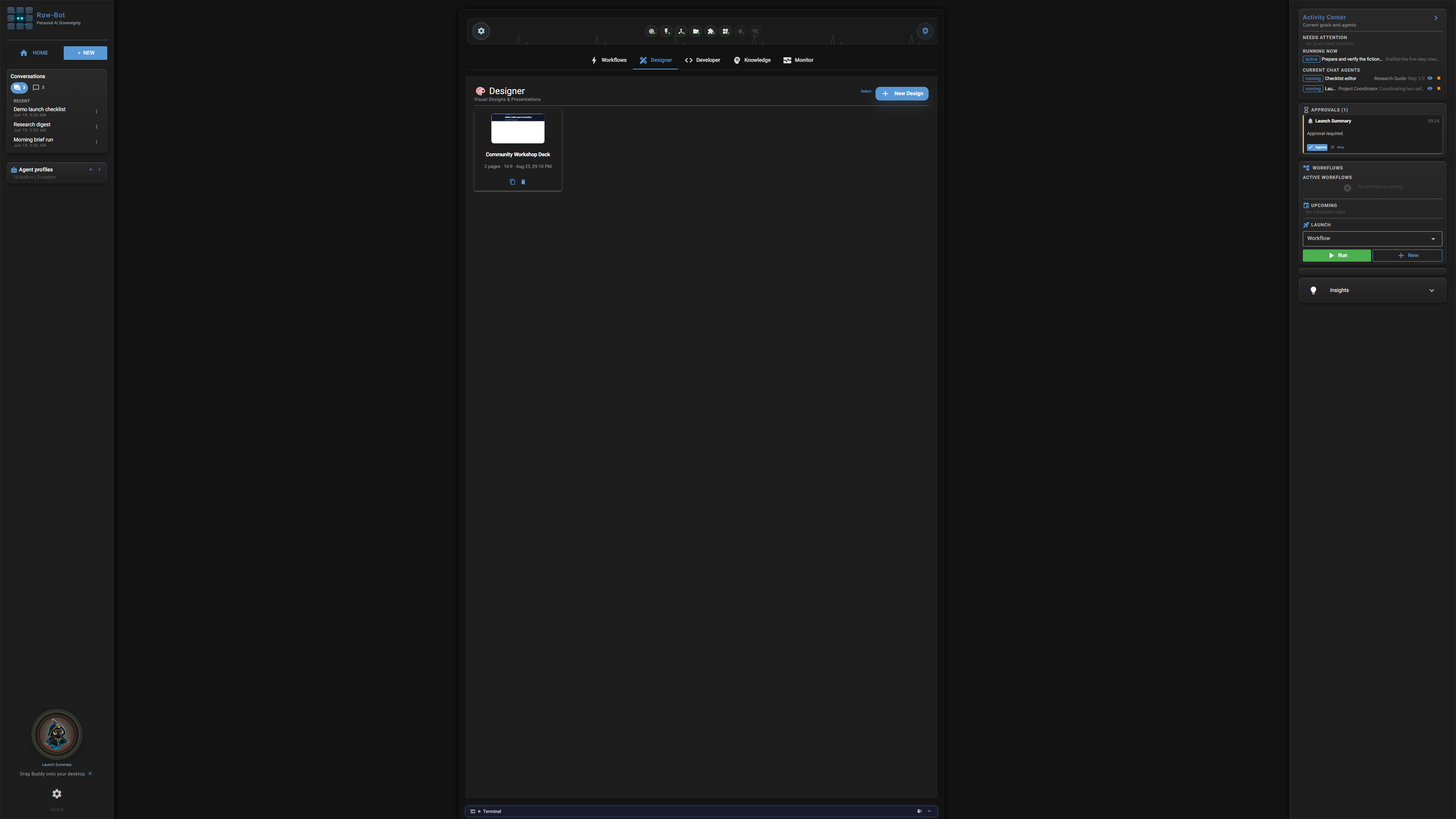
What This Tab Is For
Use this Home tab as a quick entry point. It shows current state and launch controls, while the full walkthrough lives in the Designer Studio guide.
What You Can Launch
- New design starts a project from a prompt, template, or goal.
- Recent projects reopen saved Designer work.
- Brand and import actions prepare assets before you enter the editor.
- Open in Designer Studio moves from the Home tab into the full workspace.
What Is Saved
Changes made from this tab apply to the feature it opens: workflows save as local automations, Designer projects save as local design projects, Developer workspaces save as local workspace records, Knowledge changes save to the local knowledge store, and Monitor filters affect the current review view.
Next Step
Open the Designer Studio guide when you need the control-by-control guide.