Home: Developer
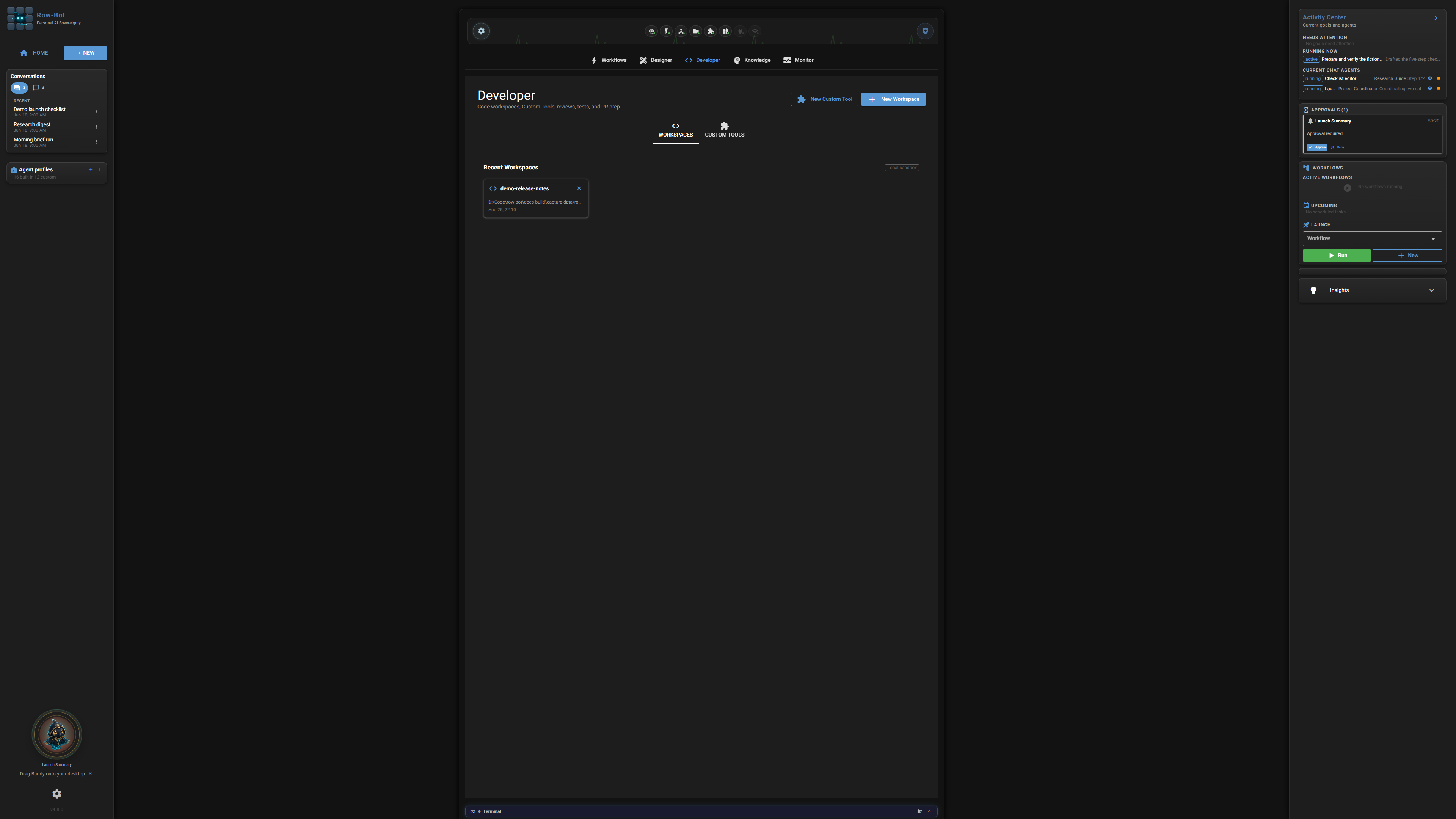
The Developer tab is where you choose what code workspace Row-Bot should help with. The full Developer Studio page explains the inspector, chat, sandbox, commands, and review flow.
What This Tab Is For
Use this Home tab as a quick entry point. It shows current state and launch controls, while the full walkthrough lives in the Developer Studio guide.
What You Can Launch
- Open folder connects an existing local project.
- Connect repository attaches a Git repository already on the machine.
- Clone repository creates a new local checkout from a remote URL.
- Custom Tools opens the builder for reviewed, reusable local tools.
What Is Saved
Changes made from this tab apply to the feature it opens: workflows save as local automations, Designer projects save as local design projects, Developer workspaces save as local workspace records, Knowledge changes save to the local knowledge store, and Monitor filters affect the current review view.
Next Step
Open the Developer Studio guide when you need the control-by-control guide.