Home: Knowledge
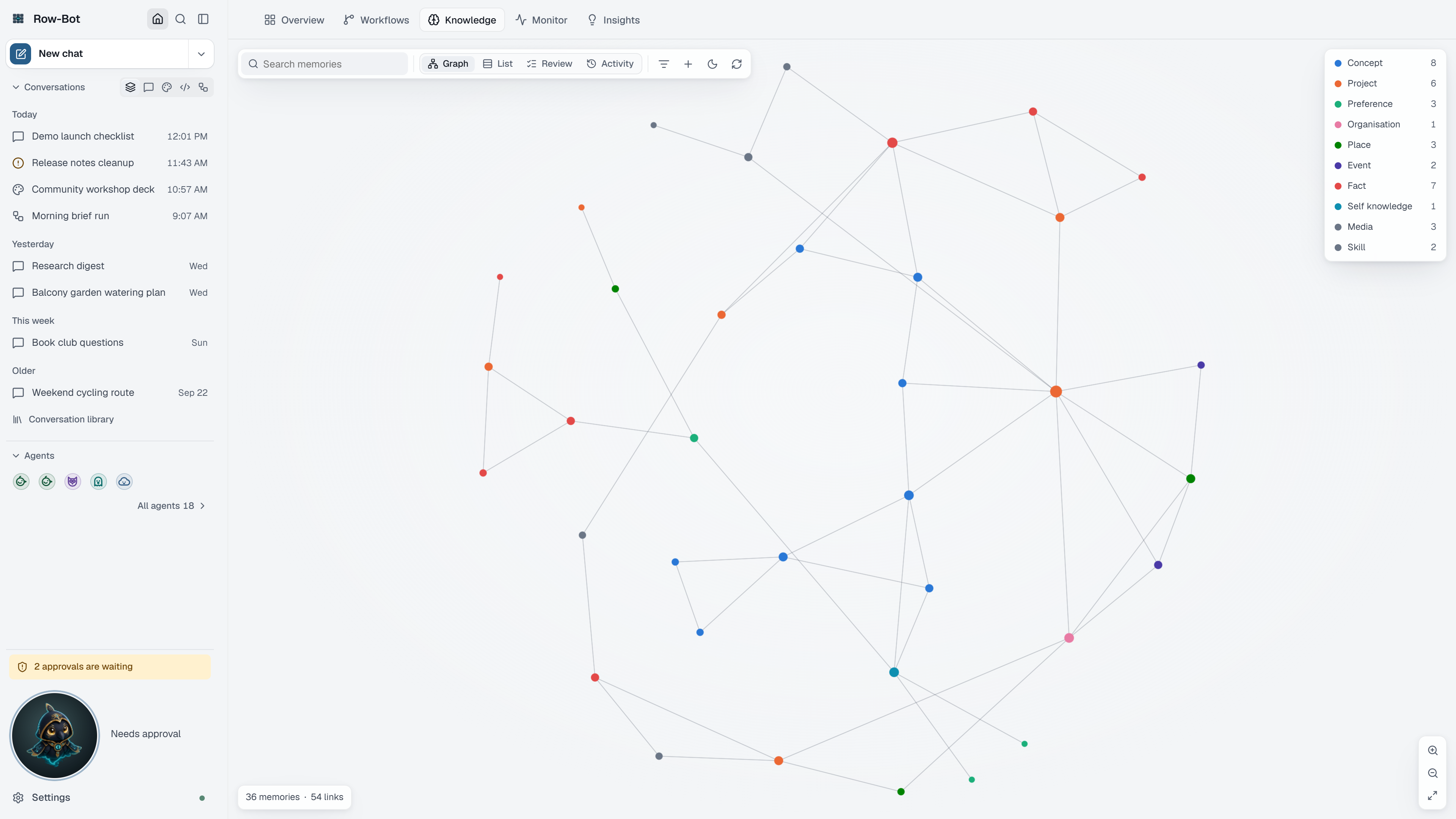
The Knowledge tab is where you see and manage what Row-Bot remembers: the memory graph, the full memory library, the review queue, recent recalls and changes, and Dream Cycle.
What You Can Do Here
- Explore the graph. It opens with up to 2,000 memories; Show all draws up to 5,000.
- Search and filter the whole library by words or status, including the review queue.
- Open a memory to see its details, connections, sources and when it was recalled.
- Add, edit, merge, archive, restore or delete memories, one at a time or in bulk. Deleting is always reviewed first.
- Run Dream Cycle now to tidy memory outside its overnight hours.
Settings for remembering, graph health and the wiki vault are in Settings › Memory.
Next Step
Open the Knowledge guide for the full walkthrough.