Home: Monitor
The Monitor tab answers: is everything healthy, what needs attention, and what happened recently? Row-Bot keeps the latest result of every check, so the tiles stay current after you switch tabs or restart.
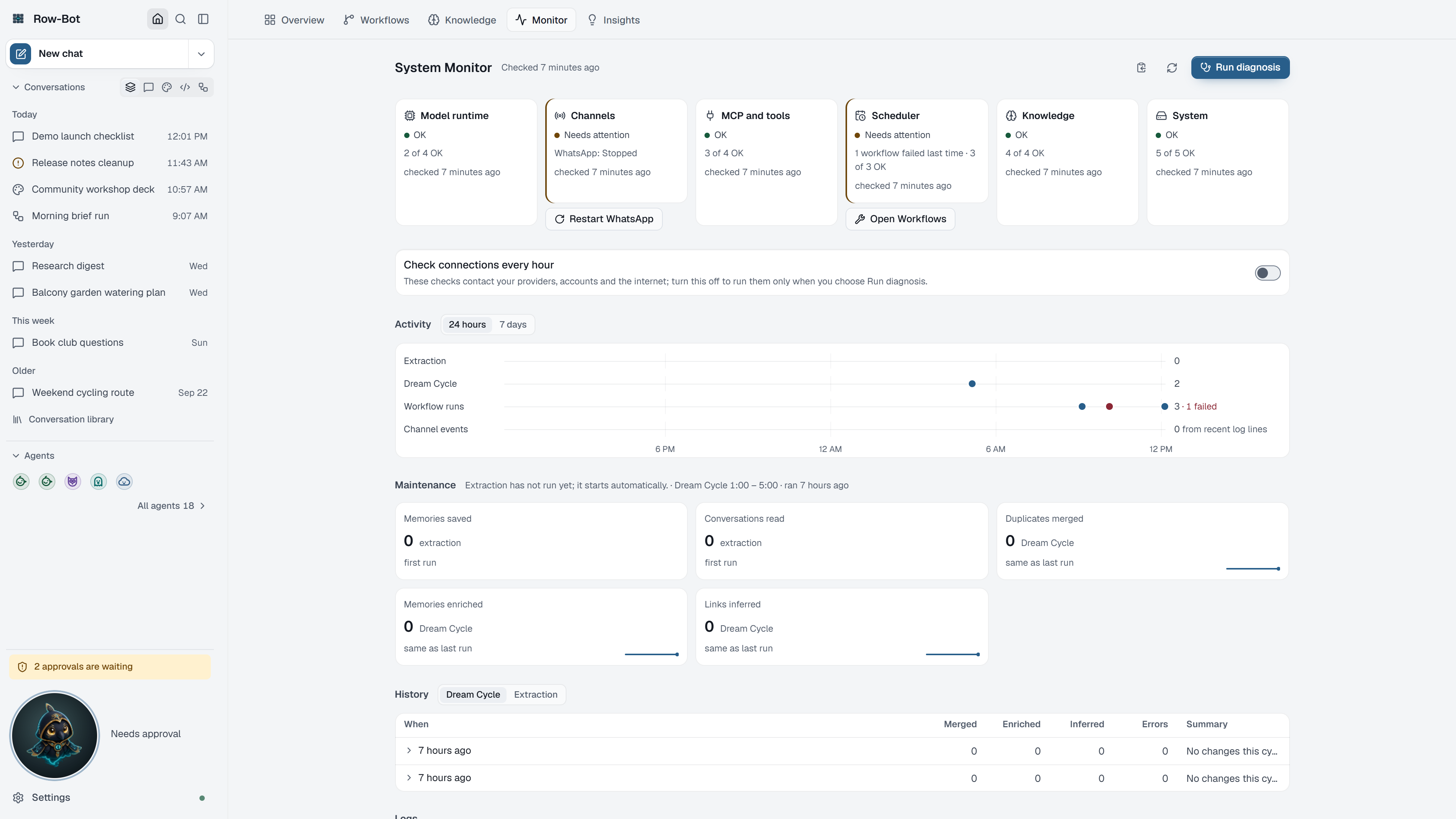
What You Can Do Here
- Needs attention lists problems with a one-click fix, such as Restart a stopped channel or Reconnect an account.
- Health tiles show each area's latest checks; open one for every check and its fix.
- Run diagnosis runs every check now; Copy diagnosis report copies a summary for support.
- Check connections every hour controls the checks that contact your providers, accounts and the internet.
- Activity, Maintenance, History and Logs show what ran and why.
Next Step
Open the Monitor guide for the full walkthrough.