Home: Workflows
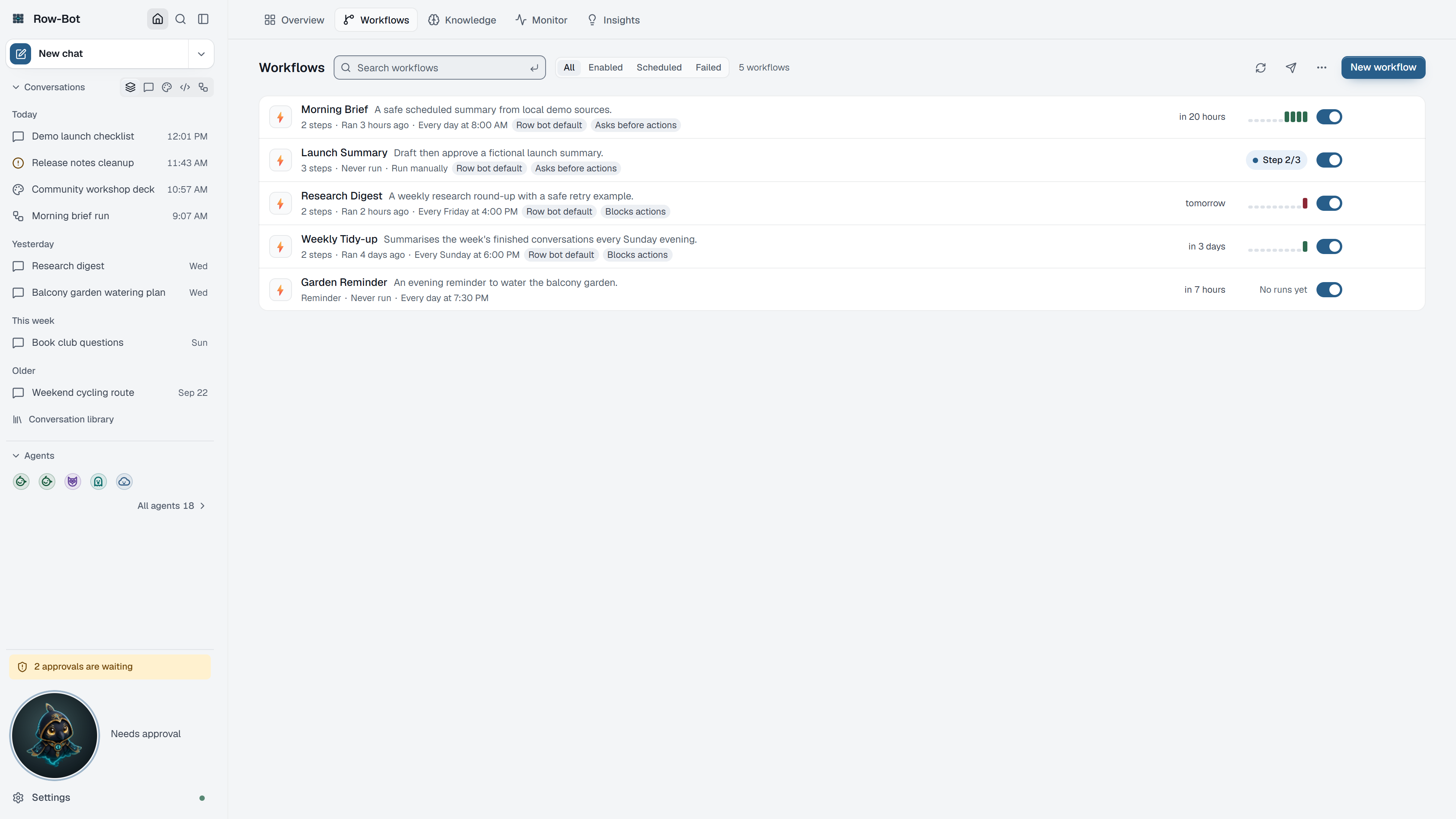
The Workflows tab lists your saved workflows and reminders: when each runs next, how its last runs went, and what it is doing now.
What You Can Do Here
- Run starts a workflow at once; Stop appears while it runs.
- New workflow and Edit open the workflow editor on this page.
- Enable or Disable a workflow's schedule.
- Delivery defaults choose the channels results are also sent to.
- The ⋯ menu on a row opens its run history, steps, settings or conversation, or duplicates or deletes it.
Next Step
Open the Workflows guide for the full walkthrough.