Settings: Utilities
Utilities are smaller helper tools that support everyday work: calculations, file helpers, media helpers, formatting aids, or local integrations. They are useful when Chat needs a precise operation instead of a pure model answer.
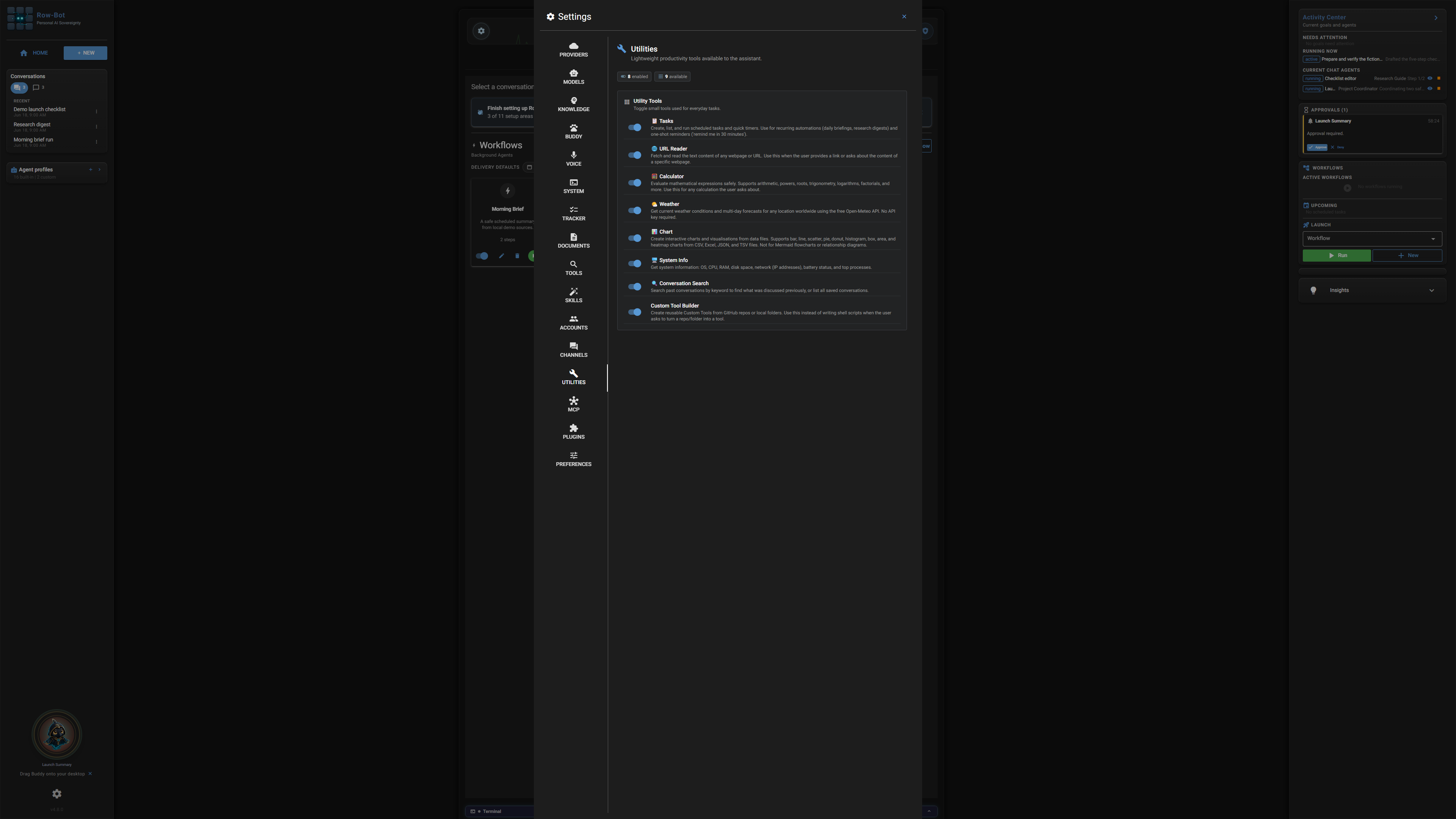
Where To Find It
Open Settings, then choose Utilities from the left tab list.
Controls
- Tool toggles decide which helper utilities Row-Bot may use.
- Configuration fields set defaults such as output locations or preferred formats.
- Status labels show whether a utility is ready or needs additional setup.
- Test or refresh actions confirm that an optional dependency is working.
Common Workflow
- Enable utilities that match your normal tasks.
- Leave unfamiliar action tools disabled until you understand what they can change.
- Use approval mode to review file writes, shell actions, or external calls triggered by utilities.
What Is Saved
Utility settings are global. Tool results are shown in the active conversation and may also create files when the approved tool does so.
Privacy And Safety
Review credential, account, channel, provider, or tool settings before enabling features that can contact outside services. Local-only features stay on your machine until you ask Row-Bot to use a provider, account, channel, MCP server, plugin, or tool that sends data elsewhere.
Control-Level Reference
The generated Settings Controls reference lists the visible controls found in the current application source, including defaults, allowed values when they are declared inline, dependencies, restart notes, security notes, and source locations.
Troubleshooting
- If a utility does not appear in Chat, confirm it is enabled.
- If a utility needs a dependency, follow its status message before retrying.
- If an output file is missing, check the allowed workspace and approval history.